Feel the turn.
Taps on your wrist tell you which way before you get there. Glance down only if you want to.
Your wrist knows the way.
Bikey on Apple Watch taps your wrist before every turn, so your eyes stay on the road.
Left: a tap
Three taps as a left turn comes up, one more at the corner.
Right: a double tap
A double tap for every right. You know which way without looking.
Roundabouts: count the buzzes
One long buzz for each exit. Two buzzes: take the second exit.
U-turns: a roll
Three quick rolls of taps: a U-turn is coming.
Everything on your wrist.
Every picture here is the watch app's own screen.
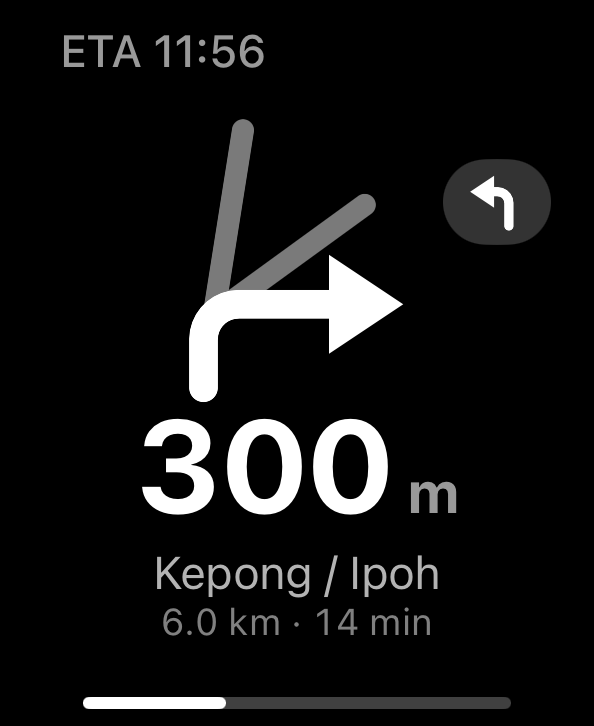
The junction view
The same road shape as on the Dash, on your wrist.
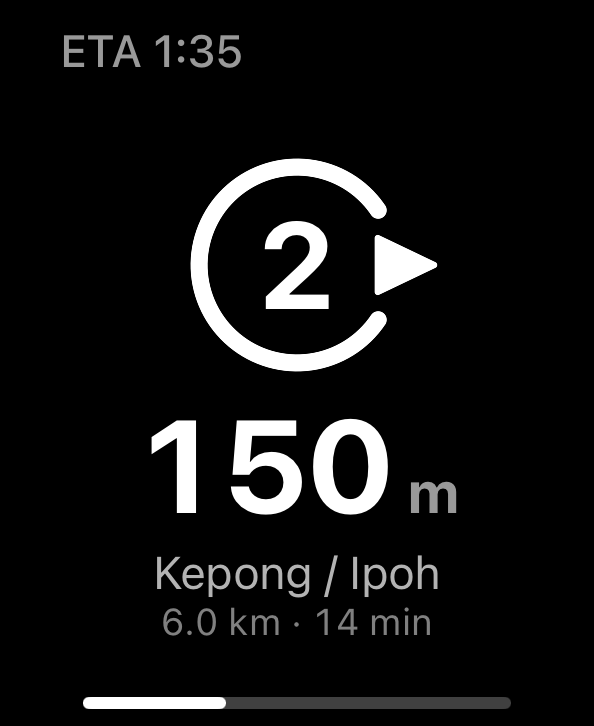
Roundabouts
The exit number, and the gap where you leave.
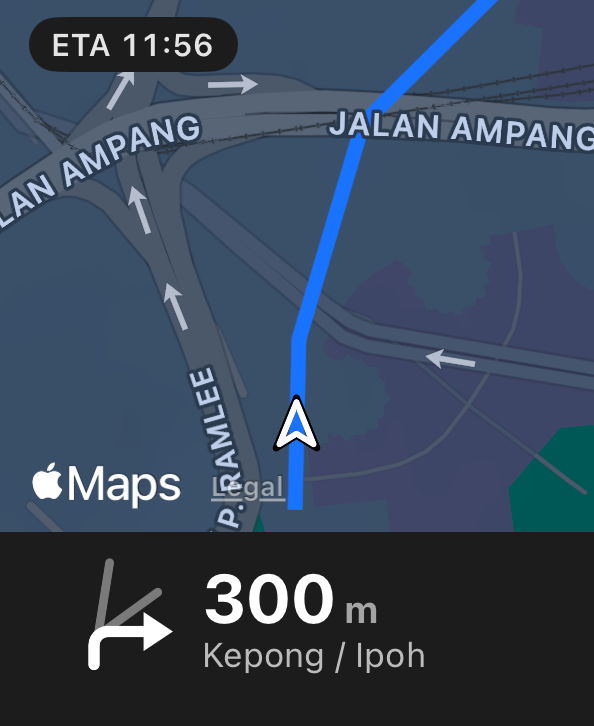
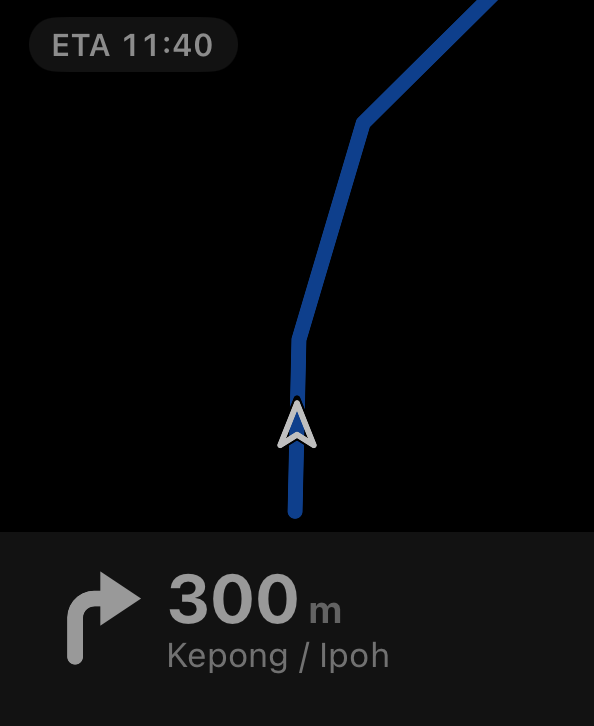
The map
Turn the crown for the map, with the next turn below it.
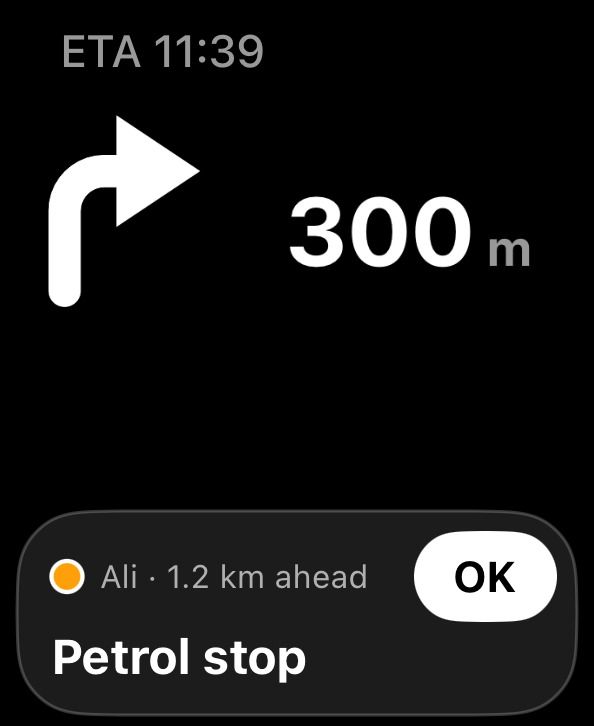
Your group
A friend's message, with OK one tap away.
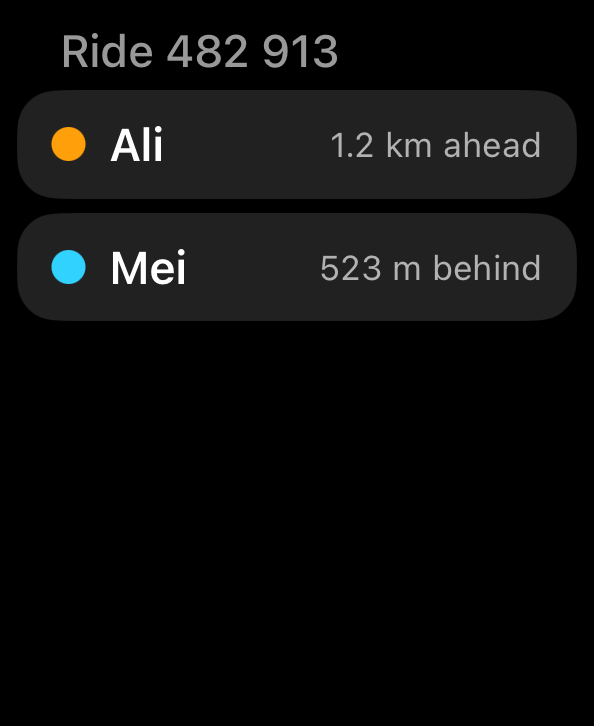
Riders
Who is ahead of you and who is behind.
Always on
Lower your wrist and it dims, but the turn stays.
Made for a glance, or no glance at all.
Feel which way
A tap pattern for every turn: you know left from right without looking.
Roundabouts
One long buzz for each exit, so you count without looking.
Turn the crown
Arrow, map, messages and riders, one page each.
Your group, on your wrist
A friend's message shows on the watch. Double-pinch to reply.
Be first on the road with Bikey.
Tell us how you ride. We'll let you know when Bikey is ready.
Get early access