Your turns, on your handlebar.
A round screen for your motorcycle, run by your iPhone. Big arrows you read at a glance, and two buttons that work with gloves on.
Works with iPhone. Apple Watch optional.
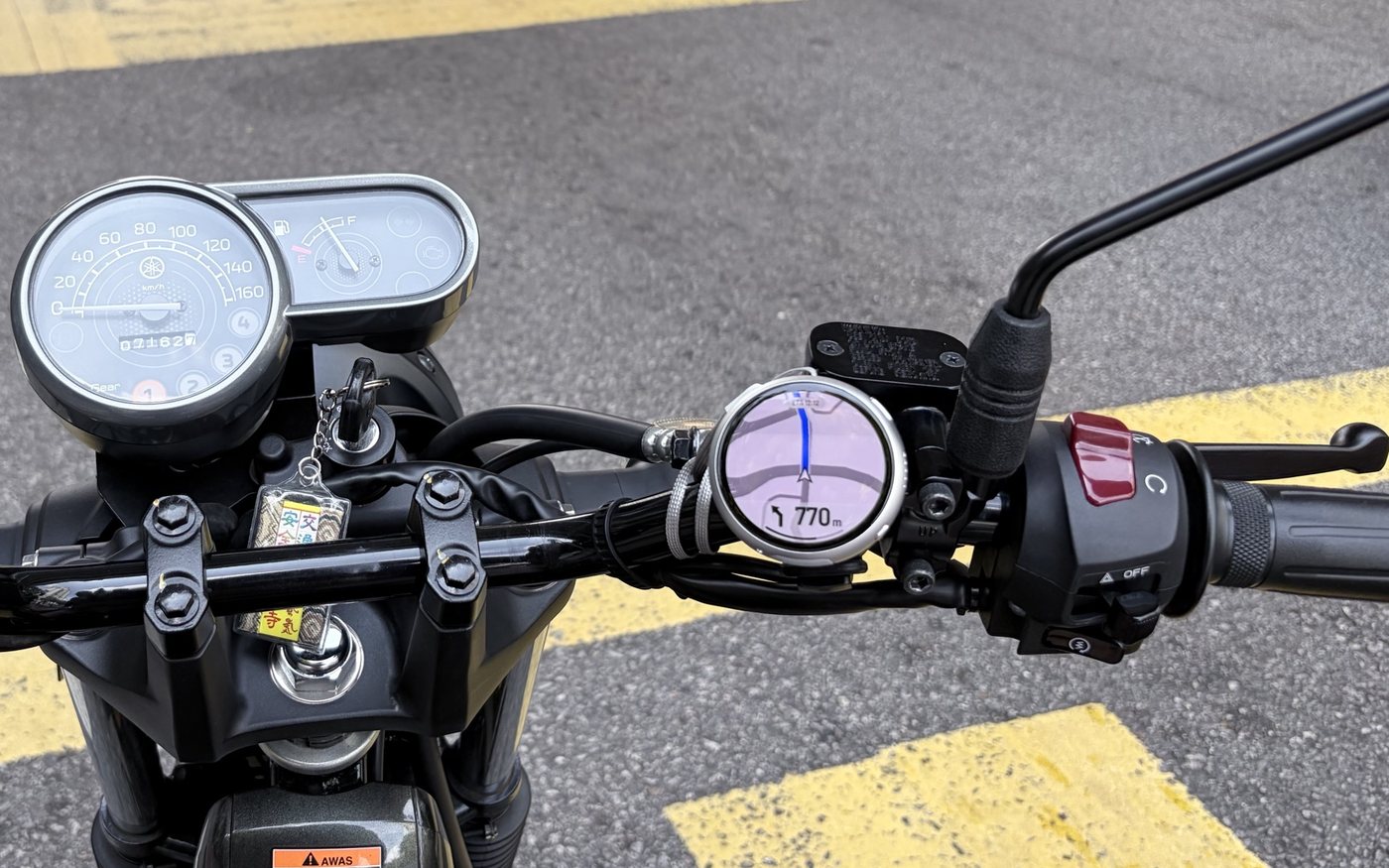
From the saddle: the Bikey Dash on the bar, the next turn in view.
Phone plans. Dash shows. Watch taps.
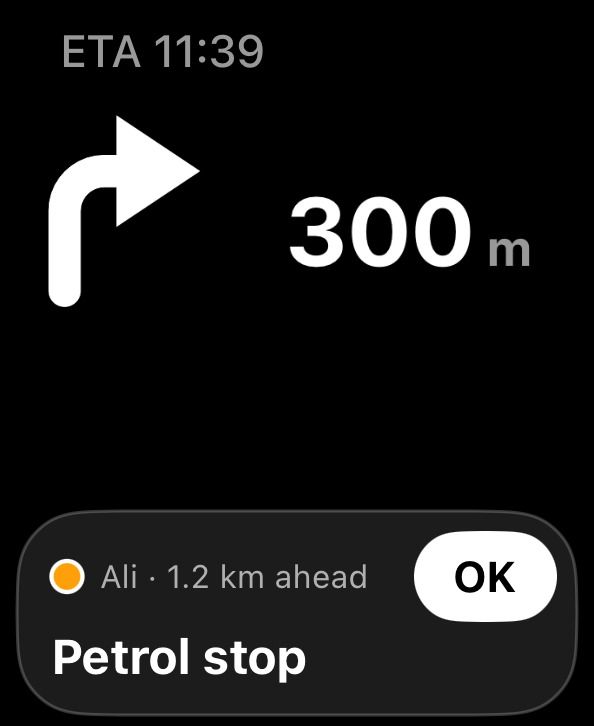
Your iPhone stays in your pocket and does the thinking. The Dash shows the next turn, and your Apple Watch taps your wrist before it.
The Bikey app
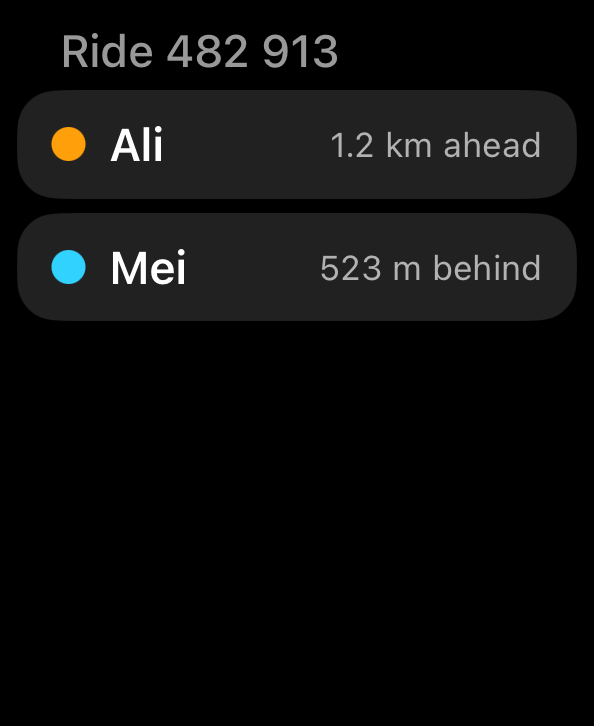
Pick a place, or share a link from Google Maps. Plan a trip with stops and ride it with friends.
Learn moreThe Bikey Dash
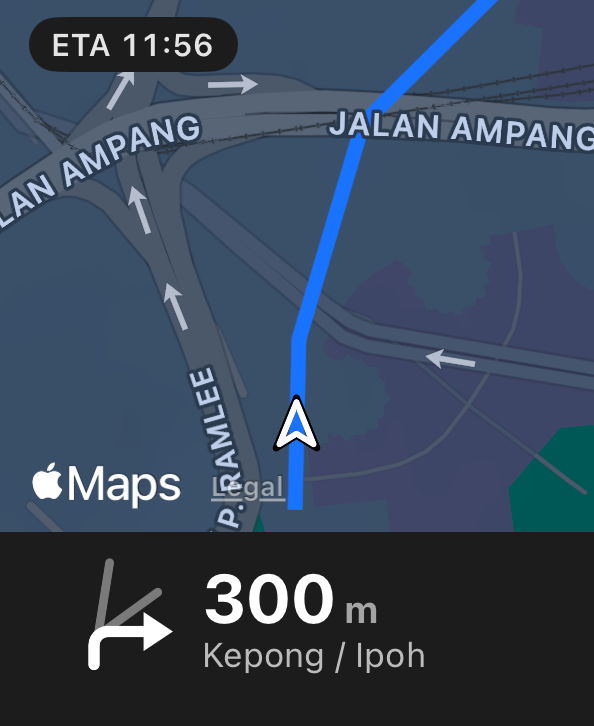
One big arrow, the distance and the road name. A mini-map when you want it. Two buttons for everything else.
Learn moreApple Watch
Feel which way to go: taps on your wrist for left, right and the roundabout exit.
Learn more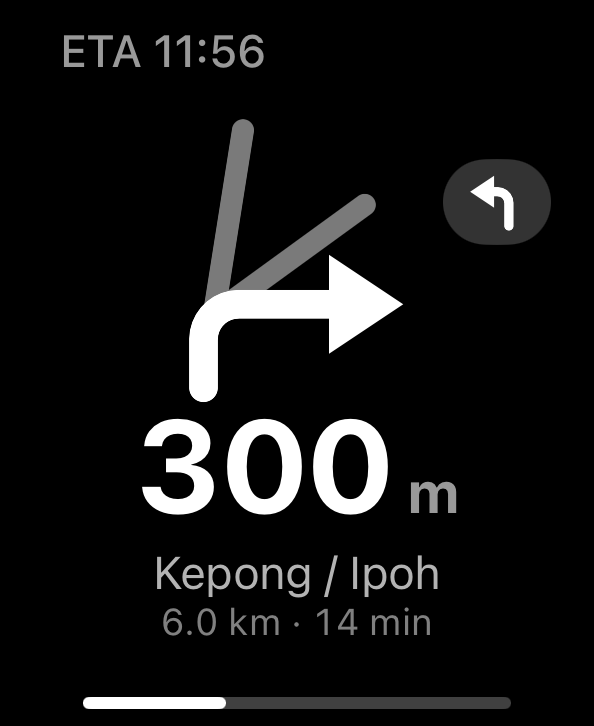
Navigation that knows the road.
An arrow is not enough at a five-way junction or a big roundabout. Bikey shows you the road itself.
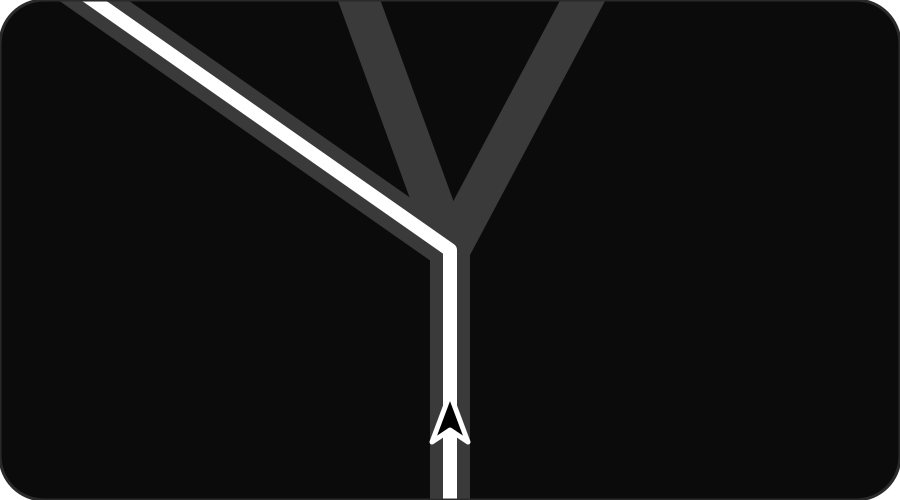
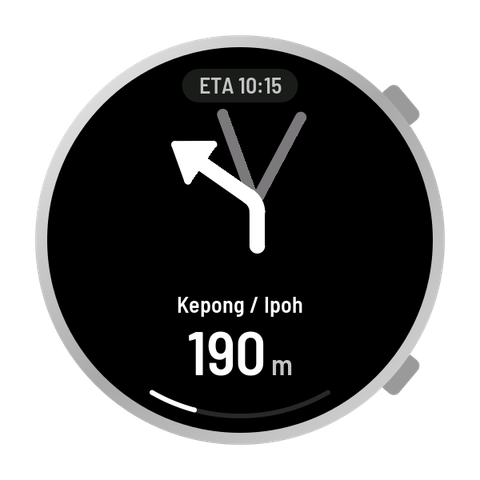
The exact road in white, the others in grey. No guessing which left.
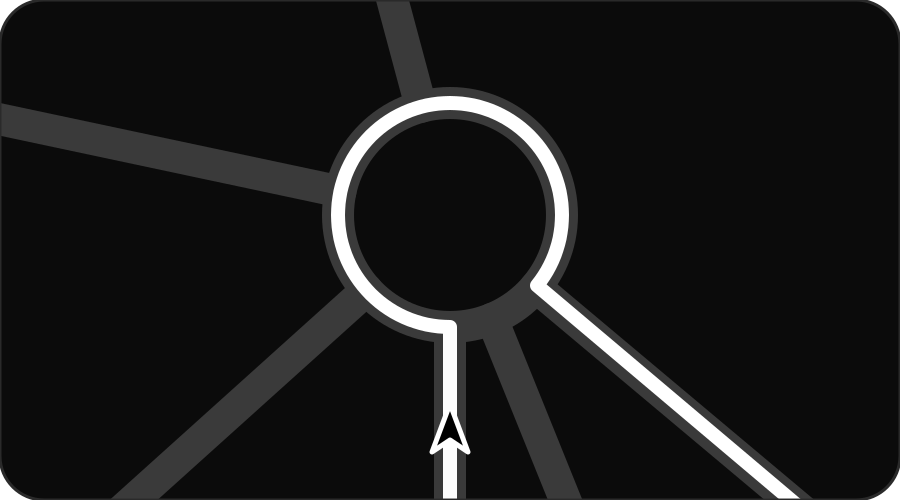
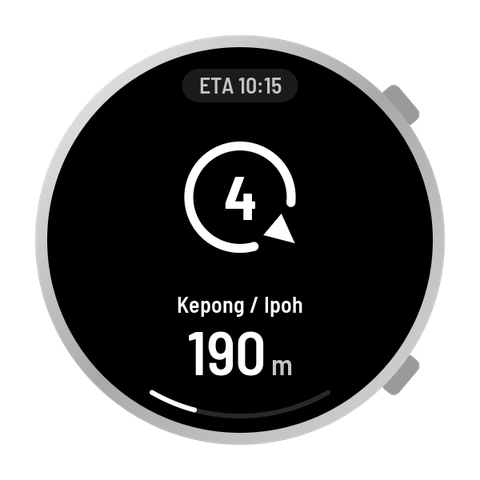
The 4th exit, and the gap where it leaves the ring.
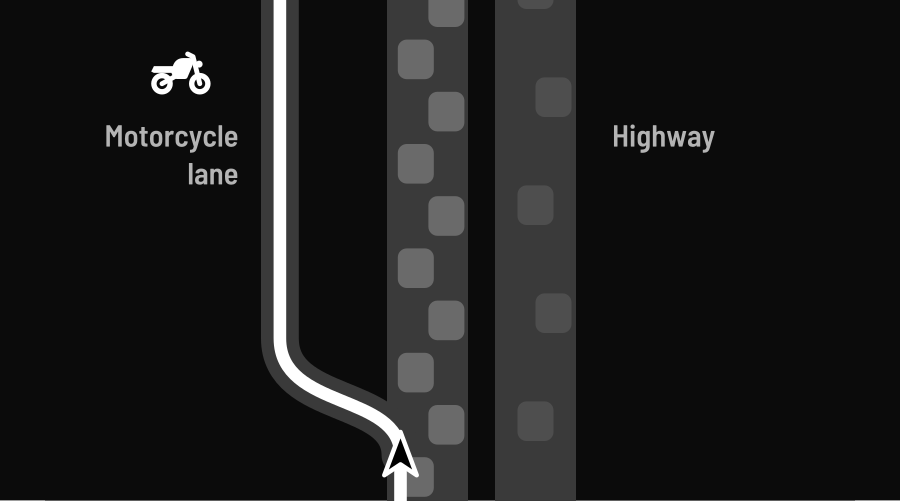
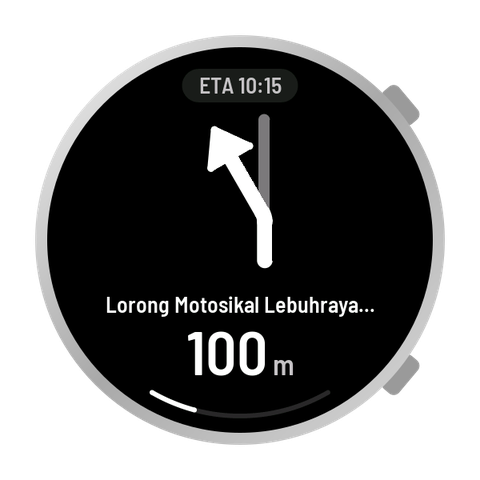
Off the highway onto the motorcycle lane, past the traffic.
Your turn, and the roads you don't take.
Jalan Pantai Baharu, Kuala Lumpur. The Dash draws the side roads in grey and your turn in white. Once you are through, the next turn springs in, with the one after it beside the arrow.
How the Dash shows itBe first on the road with Bikey.
Tell us how you ride. We'll let you know when Bikey is ready.
Get early access