A round screen on your handlebar.
It shows the next turn big enough to read at a glance. Two real buttons, made for gloves.
Everything on the Dash.
Each page does one job, big enough to read at a glance. Every picture here is the Dash's own screen.
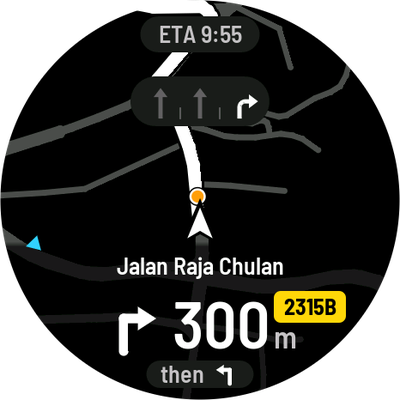
Turn by turn
One big arrow, drawn on the shape of the junction, with the distance and the road.
Mini-map
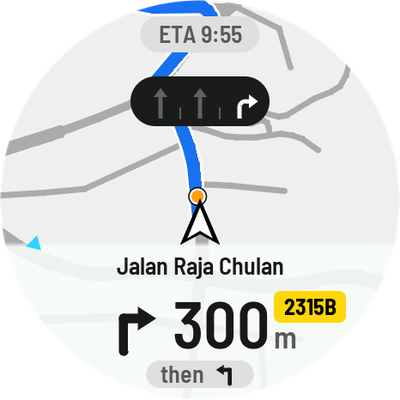
The roads around you, lane arrows and the exit number. Next swaps it with the arrow.
Day and night
A light theme for the midday sun and a dark one after sunset. It switches by itself.
Your group
Friends show on the map, and their messages pop up on whatever page is open.
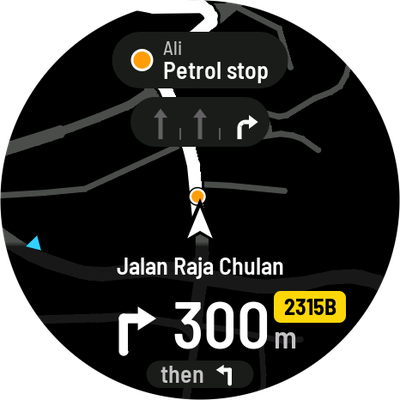
One-press messages
Select opens the wheel: petrol, stop, help. Your group sees it at once.
Music
The song and its cover. Select pauses, Next skips.
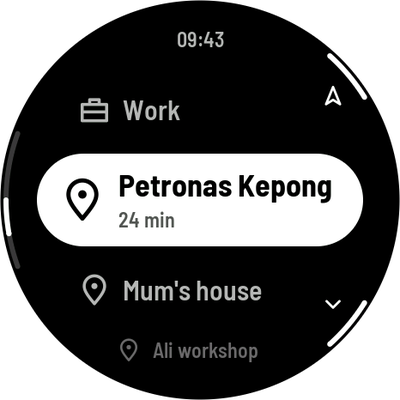
Places
Home, work and your saved places. Pick one and go, phone in your pocket.
Control centre
Hold Next for brightness, theme, touch lock and battery.
At rest
A clock when you stop. Cover the screen with your palm to get here.
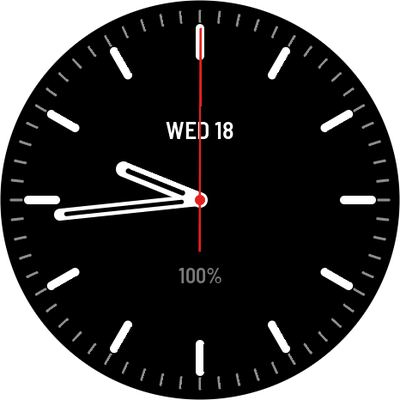
Navigation that knows the road.
An arrow is not enough at a five-way junction or a big roundabout.
Your turn, and the roads you don't take.
Jalan Pantai Baharu, Kuala Lumpur. The Dash draws the side roads in grey and your turn in white. Once you are through, the next turn springs in, with the one after it beside the arrow.
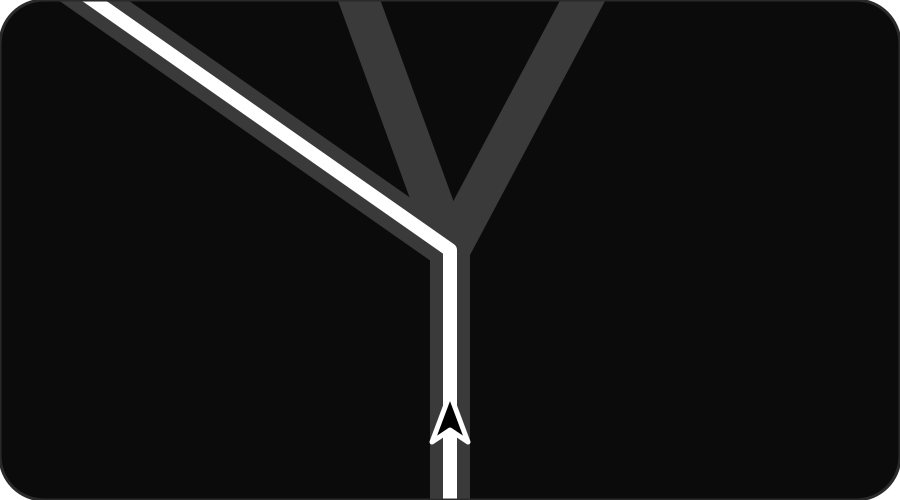
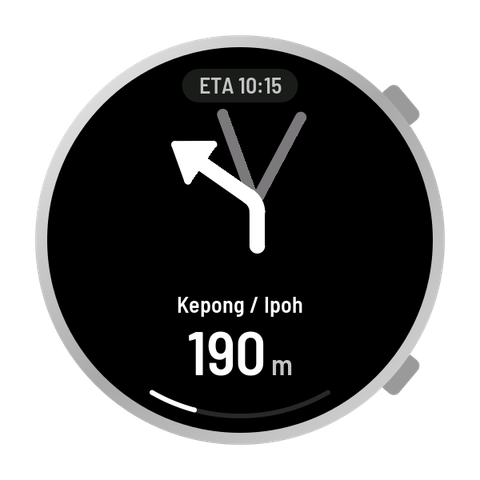
The exact road in white, the others in grey. No guessing which left.
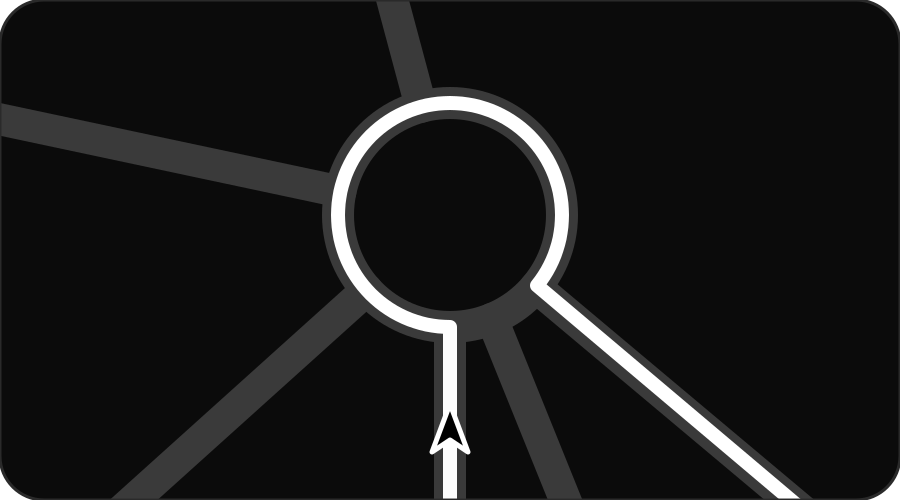
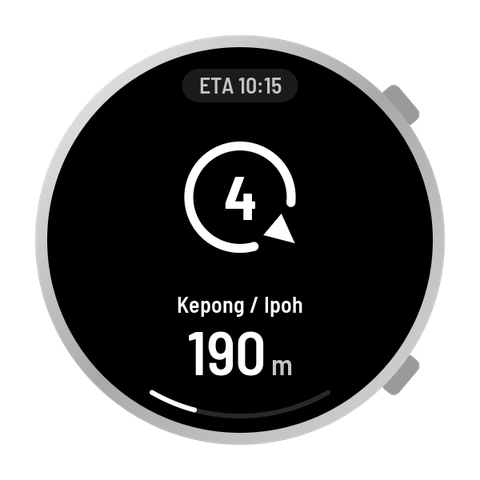
The 4th exit, and the gap where it leaves the ring.
Made for the ride.
A glance is enough
Lane arrows and exit numbers, drawn big. Nothing you have to read twice.
Gloves on
Two real buttons: Select does it, Next moves on. The screen also takes a tap, and a palm puts it to rest.
Be first on the road with Bikey.
Tell us how you ride. We'll let you know when Bikey is ready.
Get early access